
Make every packaging decision count.
Optipacker Platform
A shared workspace for packing, packaging economics, design review and procurement. Explore the FAQ for details, try the AI Packing Lab, see our services or contact us.
Merchant API
Build container recommendations into your own commerce or fulfillment software with the REST API.
From a packing idea to a shared plan.
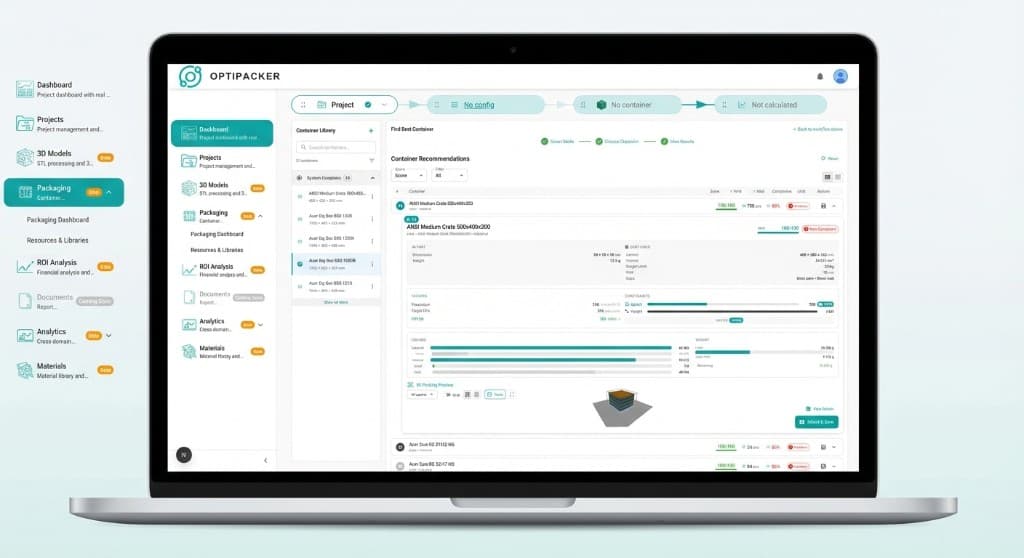
Compare packaging options with your part data. Inspect the fit, understand the investment, and carry the selected configuration into design review and purchasing.
Core Features
Give engineering and purchasing a common starting point.

See the packing decision
Inspect how parts sit inside a container. Explore arranged layouts in 3D before taking the next design step.
- Interactive 3D views
- Layer inspection
- Part dimensions and STL models
- Container and part clearances

Compare practical options
Explore container choices with the constraints that matter to your parts and handling process.
- Arranged packing layouts
- Bulk capacity estimates
- Rotation and gap settings
- Insert and pallet configuration
Understand the investment
Bring packaging costs, circulation and amortization terms into one financial view.
- Packaging pool requirements
- Operating and replacement costs
- Cost recovery and payback
- Multi-year cash flow

Connect design to purchasing
Keep demand, design decisions and purchase requirements linked as the project moves forward.
- Design review and revision
- Drawing and artifact release
- Demand-driven purchase orders
- Order status and receipt tracking
Keep the decision and its context together.
Bring the layout, component costs and design version into the same workflow, so the next decision starts with the work already done.
| Decision | Separate tools | With Optipacker |
|---|---|---|
| Container choice | Compare box dimensions across separate records | Compare candidate containers in the project |
| Packing layout | Sketch part positions and layer arrangements | Inspect calculated arranged placements in 3D |
| Loose-fill capacity | Maintain a separate capacity estimate | Review a bulk estimate with its assumptions |
| Packaging economics | Reconnect costs and volumes in a spreadsheet | Model pool investment, operating costs and amortization |
| Design handoff | Reconcile drawings and revisions across files | Link design review and release to the packaging configuration |
| Purchasing | Re-enter component demand into order documents | Generate purchase requirements from the packaging BOM |
More Capabilities
Container library
Work with standard container templates and organization-managed packaging resources.
Pallet load planning
Plan container layers against pallet height, weight and load-zone constraints.

Merchant API
Request container recommendations through an authenticated REST API. Single-SKU arranged requests can include placement coordinates.

Visible space use
Review occupied volume and unused space alongside the packing result to inform your packaging decisions.

Shared project context
Keep models, packaging configurations and project records together with organization and project access controls.
STL model import
Create a part from an STL file and review its dimensions alongside your packaging options. Attach an STL or STEP file of up to 50 MiB to a saved part.

Make the arrangement visible.
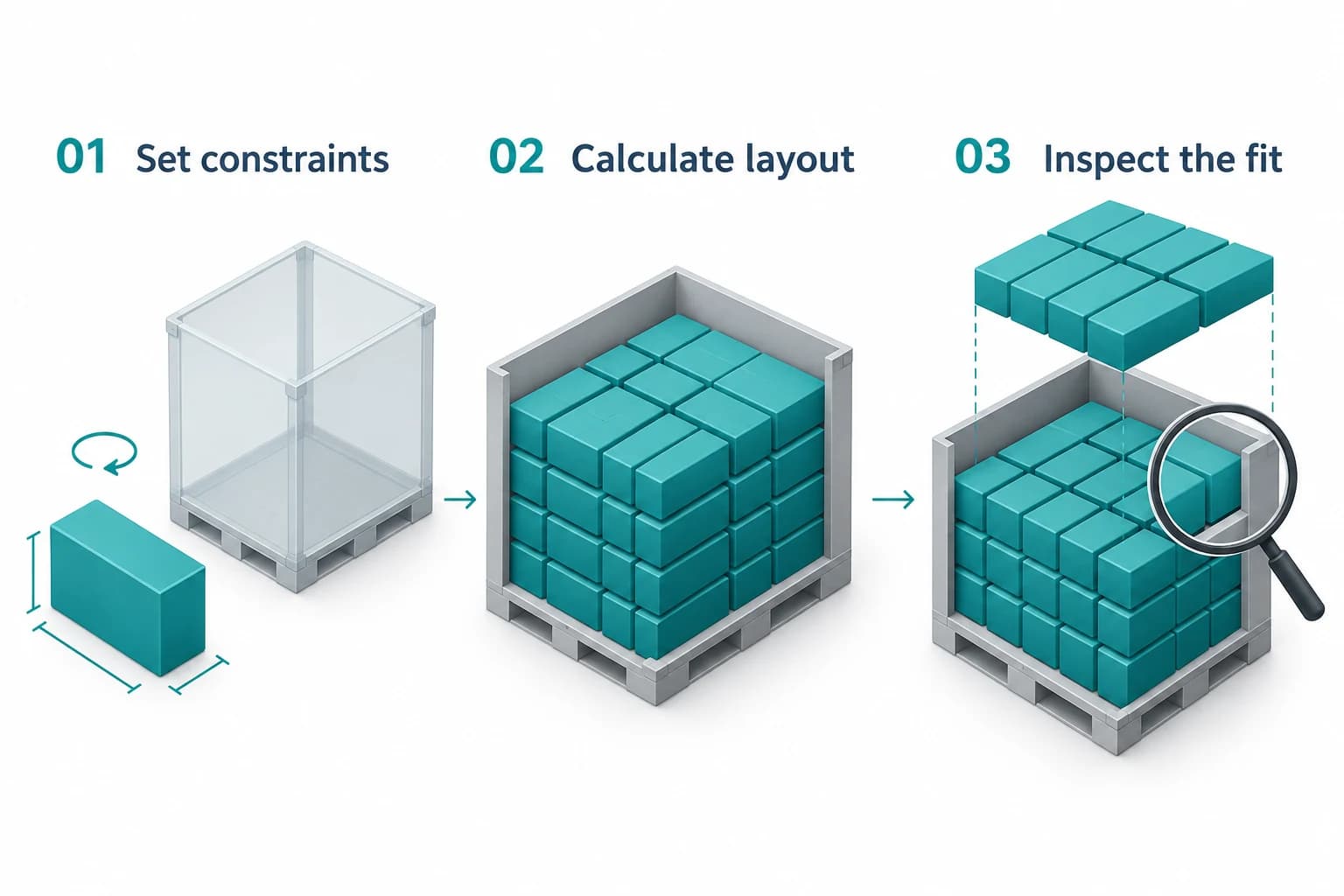
Arranged packing calculates part positions from dimensions and packing constraints. Inspect the resulting layout, packed quantity and space use.
- Set container dimensions, permitted rotations and clearances.
- Calculate a layout for the selected packing mode.
- Inspect part positions and layers in the 3D preview.
Estimate loose-fill capacity.
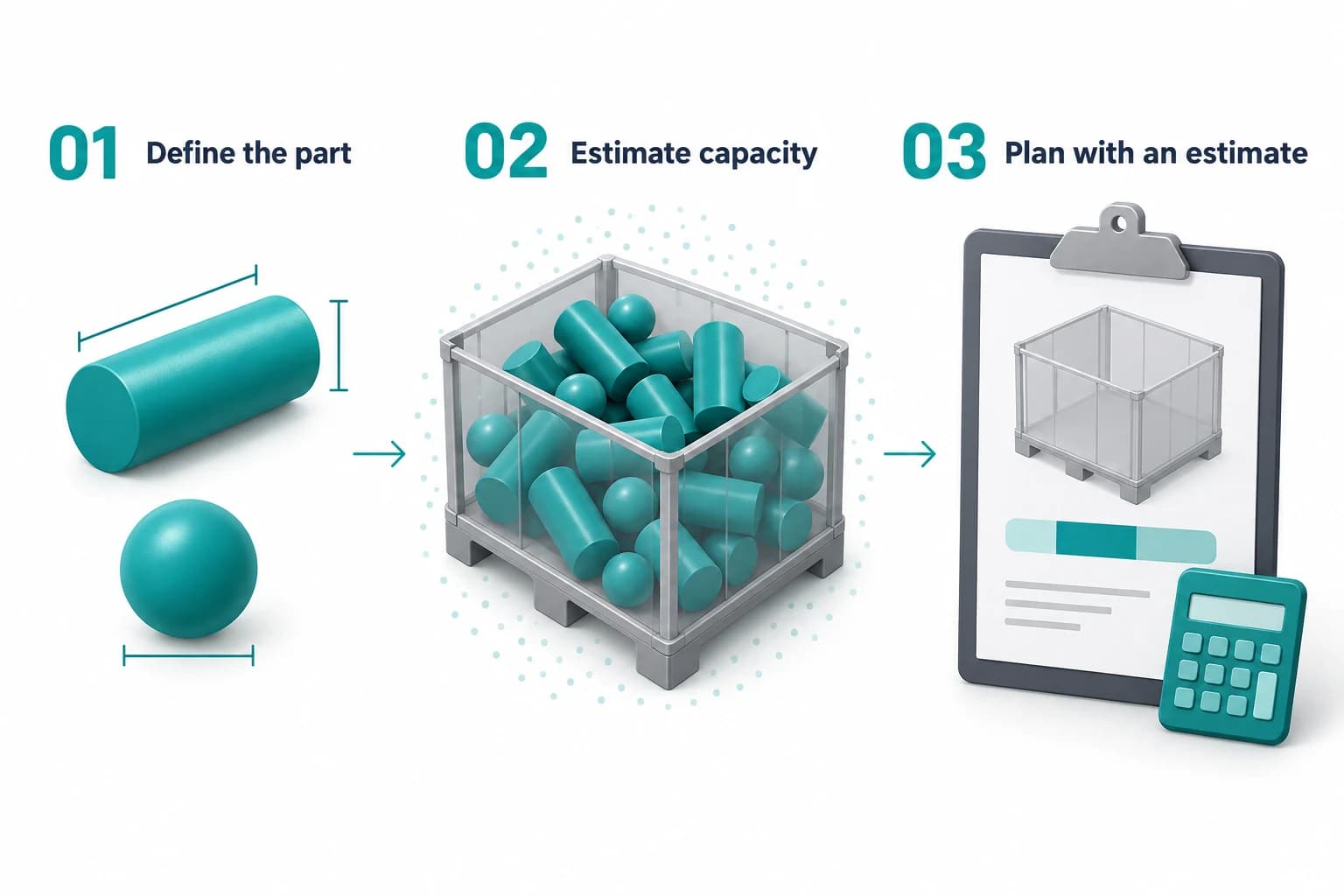
Bulk packing supports early capacity planning for supported part shapes. The illustration is conceptual; the result is an estimate, without calculated part placements.
- Define the part shape, dimensions and container.
- Estimate capacity using the bulk packing model.
- Review the assumptions before choosing a packaging approach.
See how the packaging pays back.
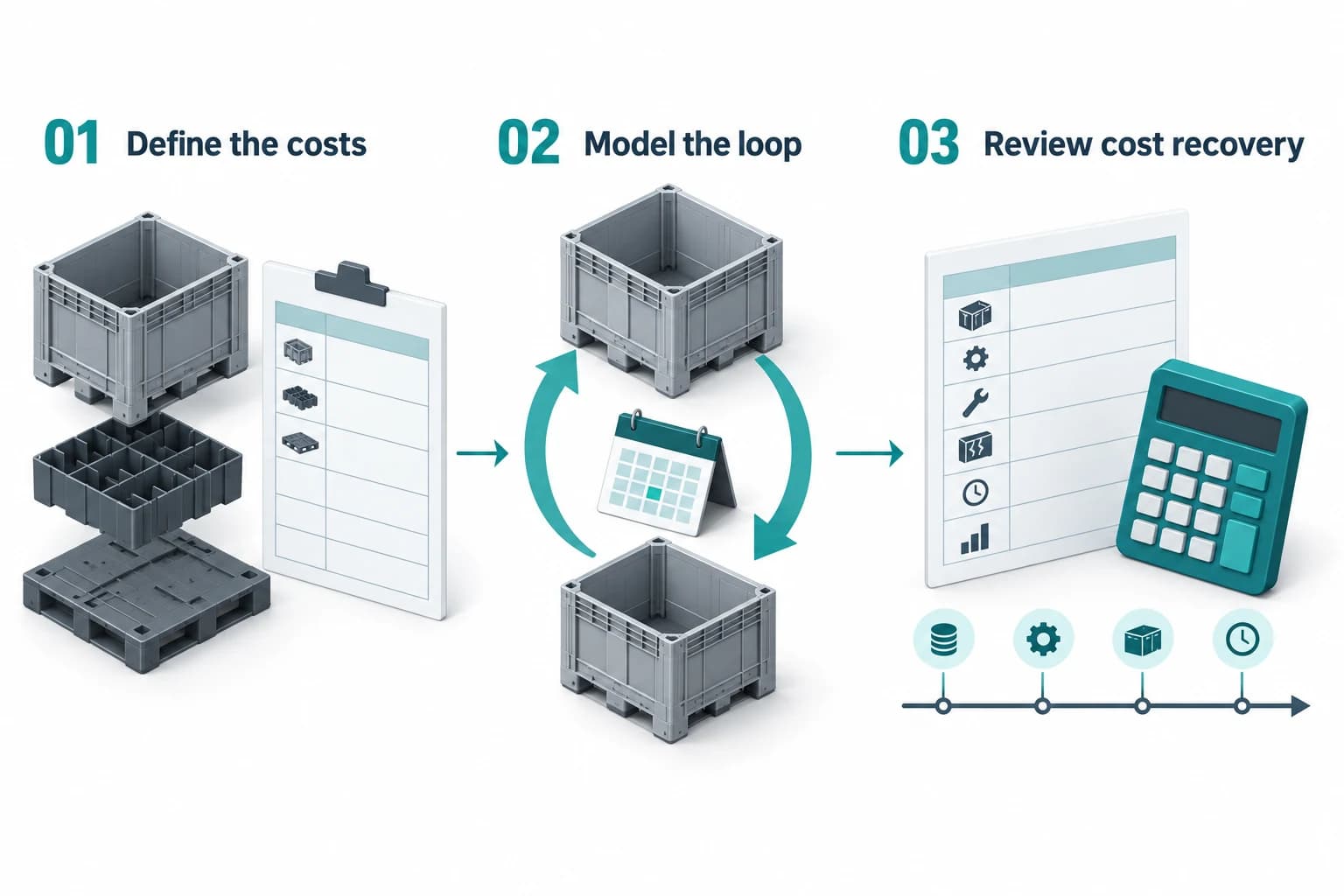
Model cost recovery from your amortization terms, packaging investment and operating costs. The result depends on the inputs and may show no break-even within the planning horizon.
- Define component costs, project volumes and amortization terms.
- Model the packaging pool, circulation and replacement needs.
- Review investment, cash flow and calculated payback.
Guides for the next packaging decision
Worked methods for inserts, pallets, bills of materials and returnable container loops.
- GuidesDesign a Packaging Insert From the Part ArrangementRead
- TechnologyChoose an Insert Around the Part and the ProcessRead
- TechnologyPallet Planning: Connect Container Fit with Handling RequirementsRead
- TechnologyPackaging Bills of Materials: Connect the Design with PurchasingRead
- Packaging ReviewPackaging Metrics: Compare Space, Materials and Operating AssumptionsRead
- BusinessReturnable Container Loop ROI: Pool Size and Payback, Worked ExampleRead
Start with a part. See what fits.
Enter one part in the free planner. Get its packing, pallet plan and financial forecast without an account.
Try It Now